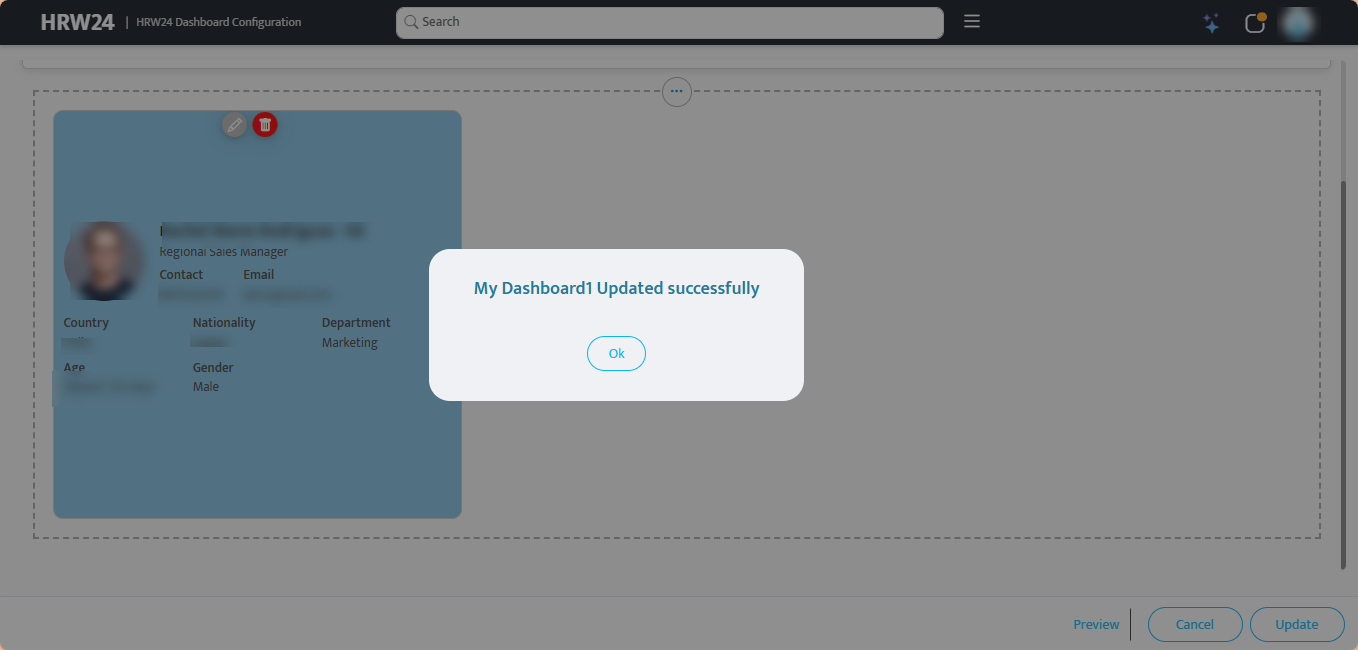
Dashboard Update
Steps for Dashboard Update:
After creating the dashboards, you can edit the layout and modify other properties using the update option. The steps are given below:
-
Login and navigate to the Dashboard Configuration page.
-
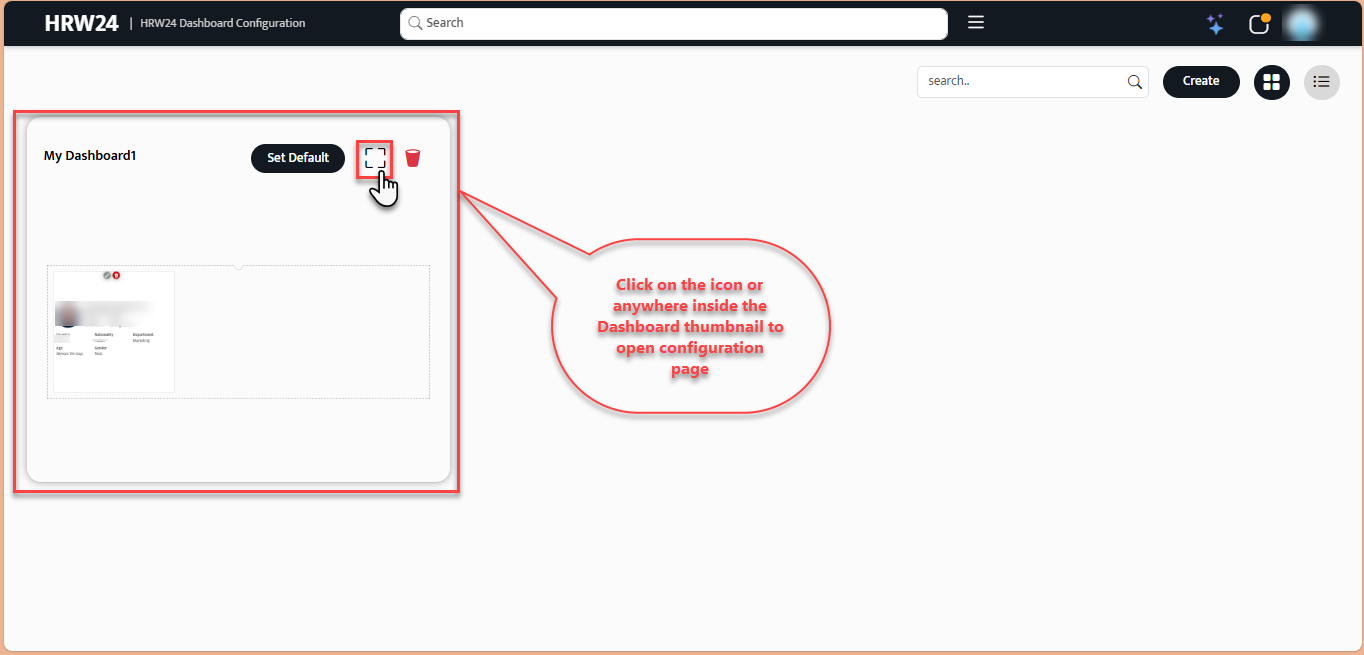
The thumbnails of dashboards you created are shown here. Then click inside the dashboard thumbnail, which you want to update.
-
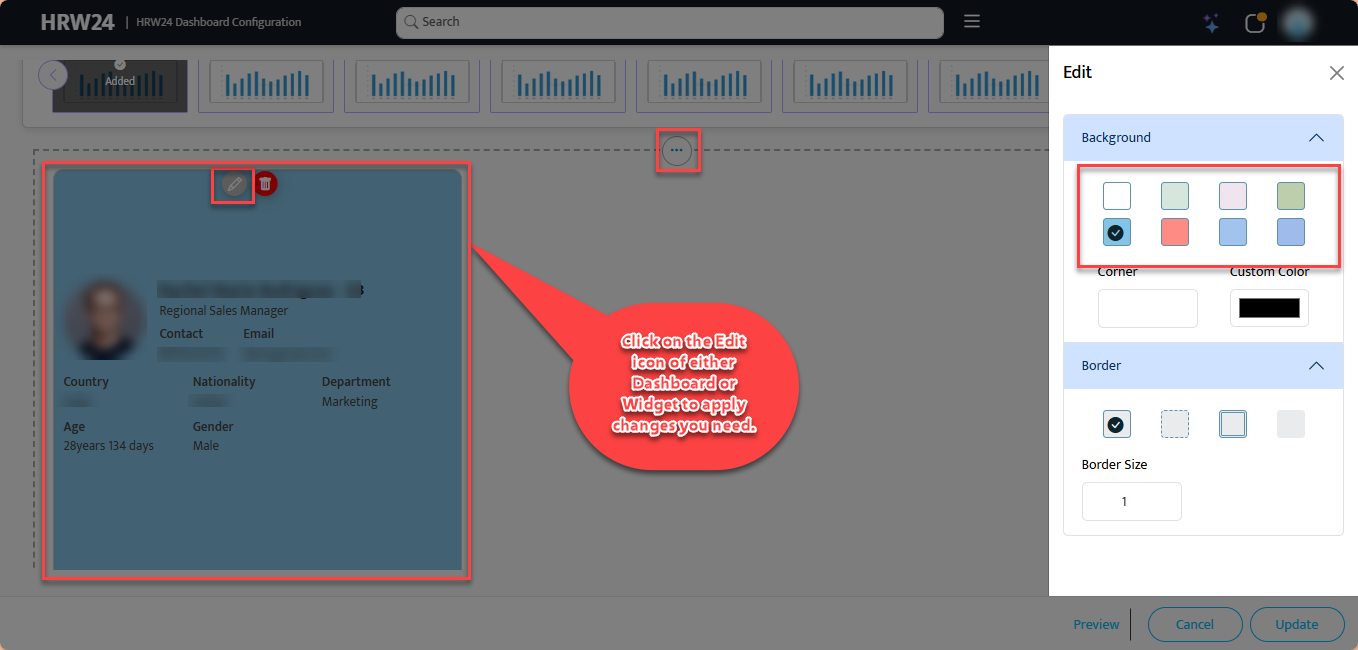
You can edit the layout of both Dashboard / Widgets by using edit buttons provided.
-
Change the name of the dashboard if needed.

-
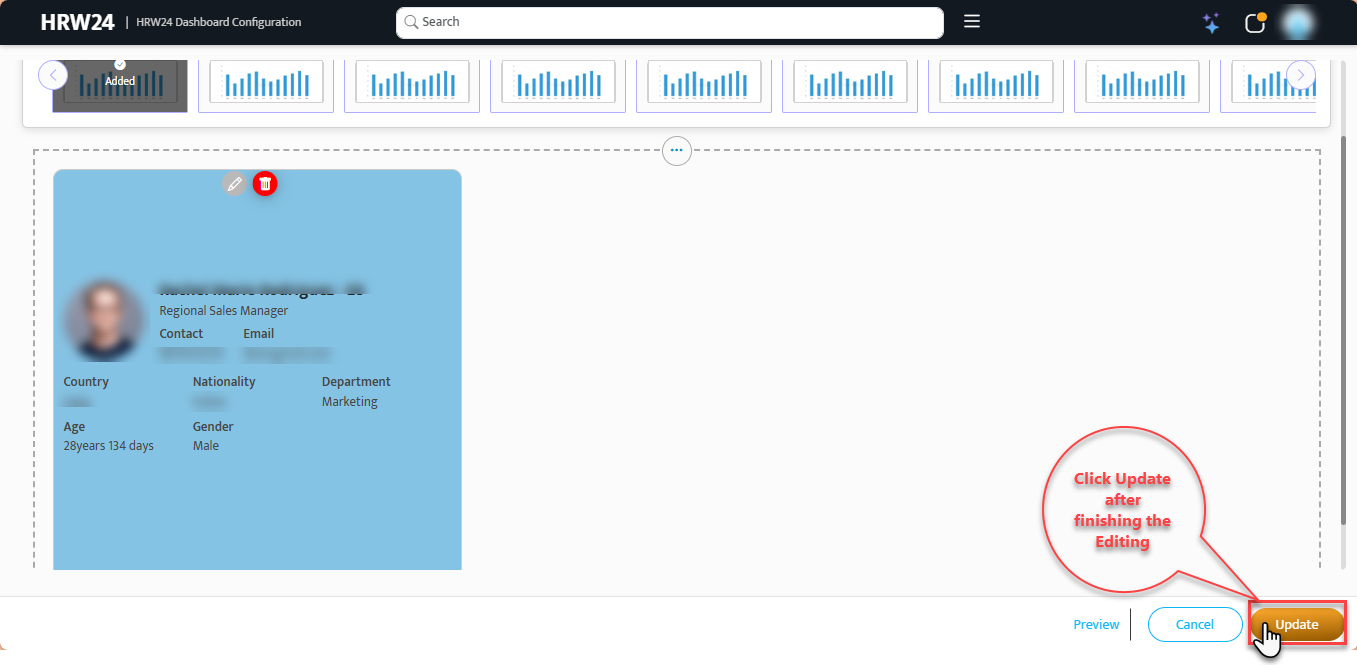
Click on the Update button after completing the editing.